
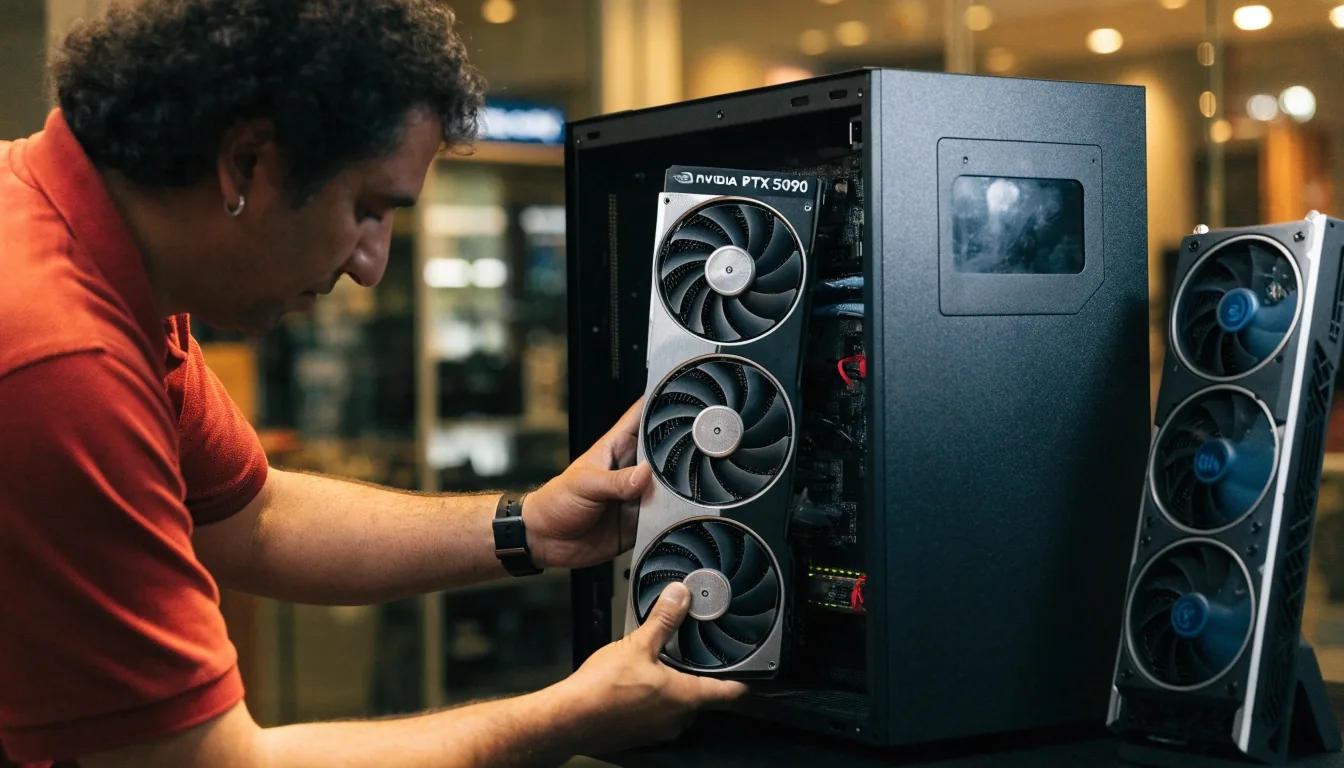
Seoul · Gangnam showroom
How to Choose a Graphics Card That Fits
Choosing a GPU comes down to four things: your monitor resolution, your VRAM needs, your power supply, and whether the card physically fits your case. Most buying mistakes happen on the last two, not on performance.
Four things decide the card, in this order
Start with your monitor, then your VRAM budget, then your power supply, and only then the case. Each answer crosses out part of the catalog before the price ever enters the conversation. Read the factors in order once and you will know which shelf you are shopping from.
Start With Your Resolution
Resolution sets the floor for everything else. For 1080p, Intel's Arc B570 and the mainstream midrange cards handle high refresh rates without overspending. At 1440p, the RTX 5070, RX 9060 XT, and RX 7800 XT are the realistic contenders. For 4K and heavy creator work, upper-tier cards and the RTX 5090 enter the picture. Decide this first, and half the catalog drops out.
A 60Hz 1080p panel does not reward a flagship, and a 165Hz 1440p panel punishes a card that cannot hold a steady frame time. Write down the resolution and refresh rate you actually play at, not the panel you plan to buy someday, and the shortlist appears on its own.
Compare midrange 1440p cards- 1080p
- Arc B570 and mainstream midrange cards; high refresh is comfortable, and the money saved is real.
- 1440p
- RTX 5070, RX 9060 XT, RX 7800 XT — the realistic band for high-refresh 1440p play.
- 4K
- Upper-tier boards, plus the RTX 5090 for 4K and heavy creator workloads.
Check this first — it removes the most cards from the list.
How Much VRAM You Need
VRAM capacity matters more each generation as textures grow. 8GB is workable at 1080p but tight for newer titles with high texture settings. 12GB covers most 1440p play comfortably. 16GB gives headroom for 4K and heavy texture packs. Buying more than your resolution needs is wasted money, and buying less shows up as stutter in the games that use the most memory.
Workable for 1080p and modest texture settings. Newer titles with heavy texture packs will ask for more, and you will feel it as stutter rather than as a warning message.
Covers most 1440p play comfortably, including high texture settings on current titles. This is the band we recommend most often to 1440p builders.
Headroom for 4K and heavy texture mods, and it ages better if you keep a card through two upgrade cycles. Not wasted money at 4K; wasted money at 1080p.
Power Supply: The Overlooked Constraint
Your power supply's wattage and connector type decide which cards are even possible. Mainstream cards like the RTX 5070 and RX 9060 XT are undemanding, while flagship boards draw substantial wattage and may need a newer connector. Older power supplies are often the first component to replace in an upgrade.
Bring your PSU model and we will tell you what it can support. The wattage printed on the side of the unit is less useful than its age, its cable set, and whether it carries the connectors a modern GPU expects.
Practical test: count the PCIe cables your power supply contains, not just its total wattage. A high-wattage unit from an older generation can still lack the connector a current flagship expects, and adding an adapter is a decision worth making with the shop.
Ask us to check your PSU model against any card in the catalog.
Case Size and AIB Card Dimensions
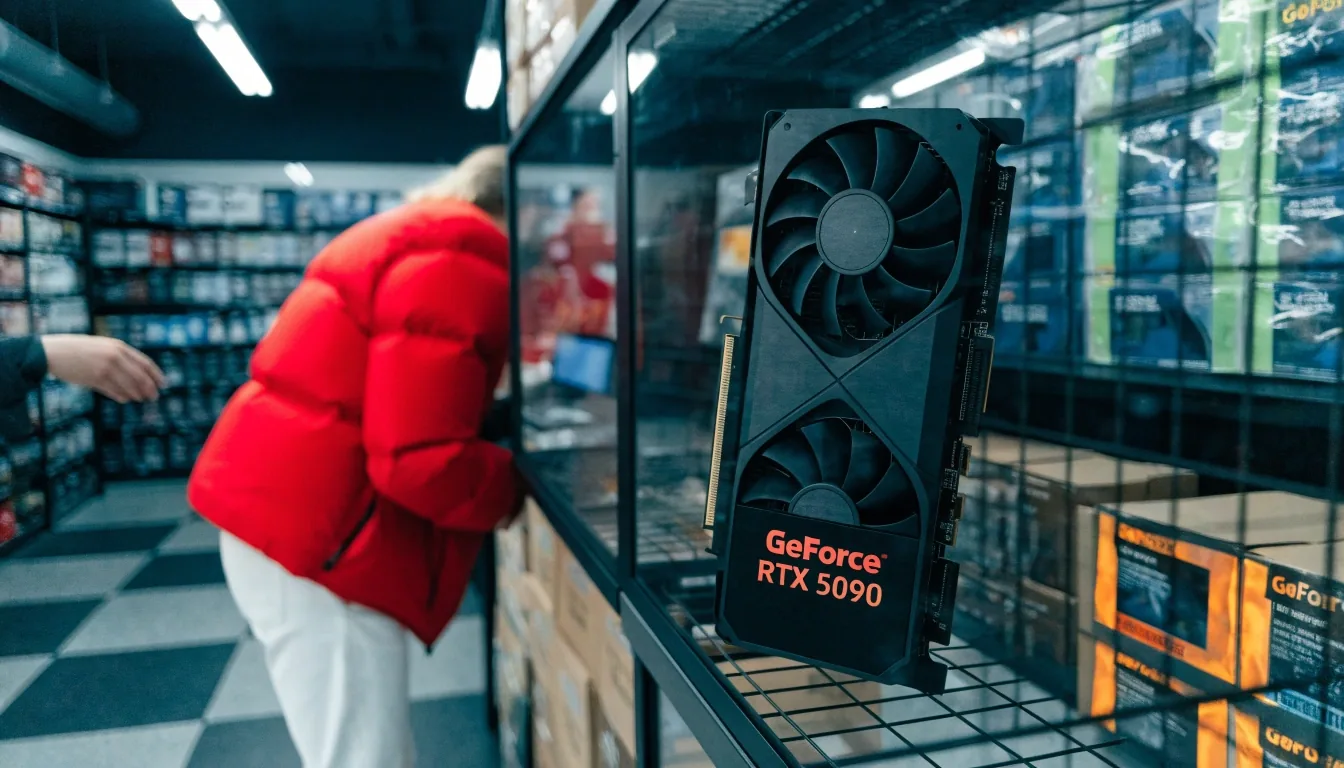
Custom AIB cards run larger than reference designs, sometimes by a lot. Overclocked boards with bigger heatsinks take up two or three slots and stretch further front to back. Measure your case's clearance before you commit to a premium variant. This is where in-person shopping helps: seeing a card's dimensions next to your measurements settles the question quickly.
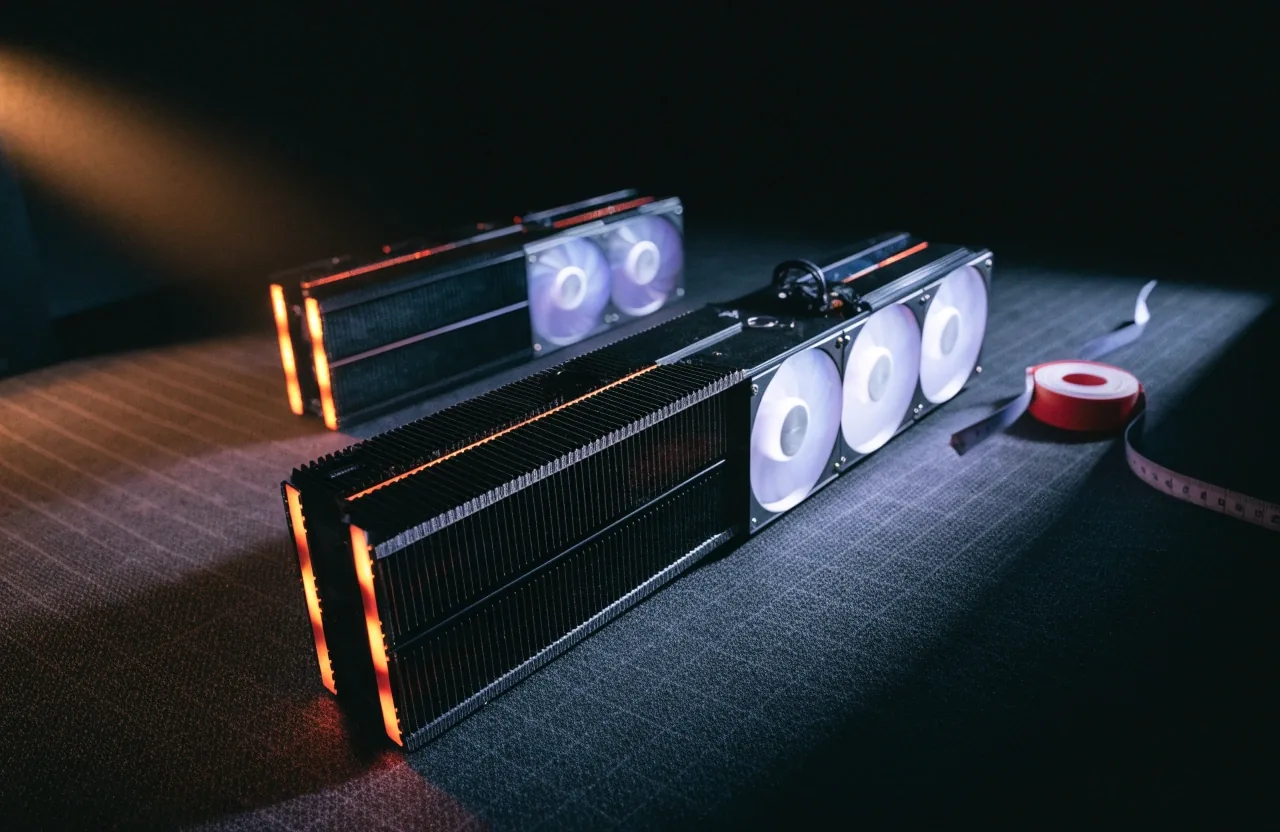
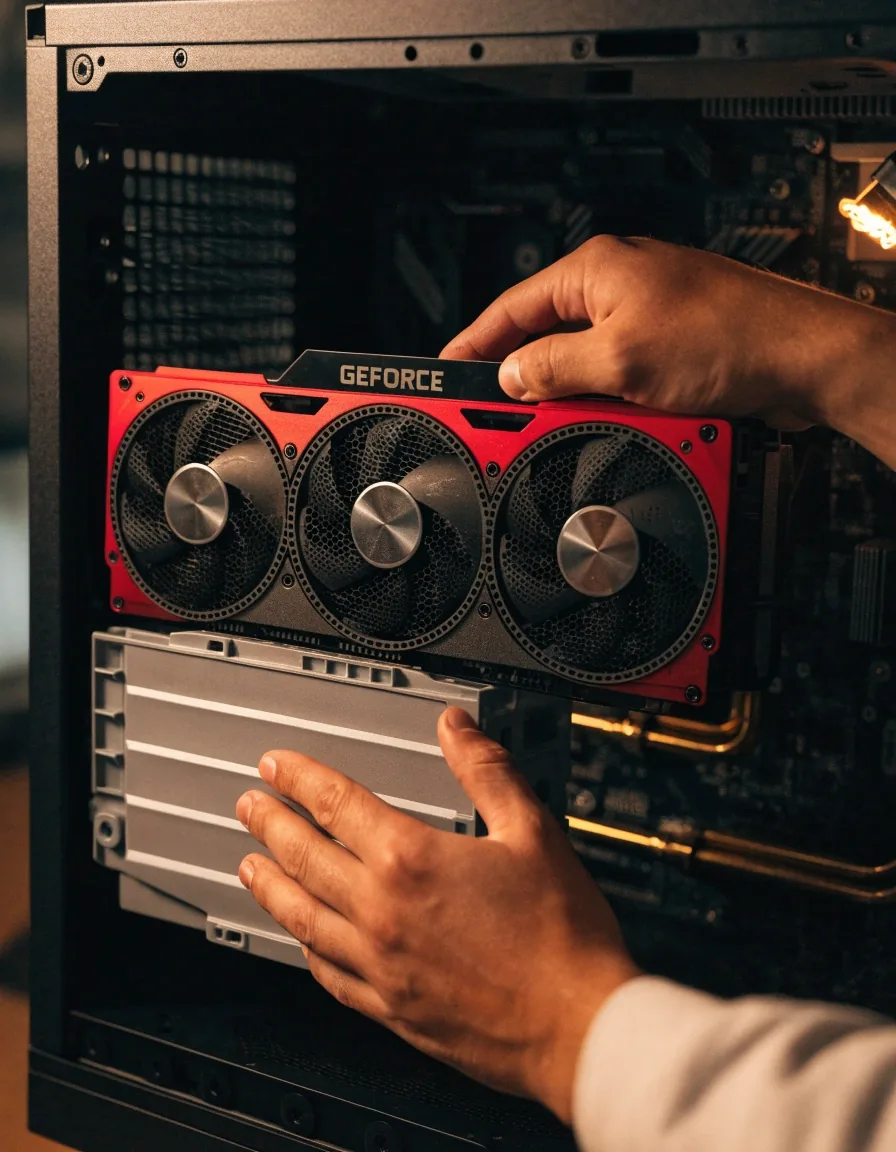
Measure three clearances before ordering an overclocked board: from the rear bracket to the front fan, from the top of the PCIe slot to the side panel, and the number of free slot covers behind the card. If any of the three is tight, ask us for the spec sheet of the exact model in stock. Bring your case model or its interior measurements and we can compare in the showroom.
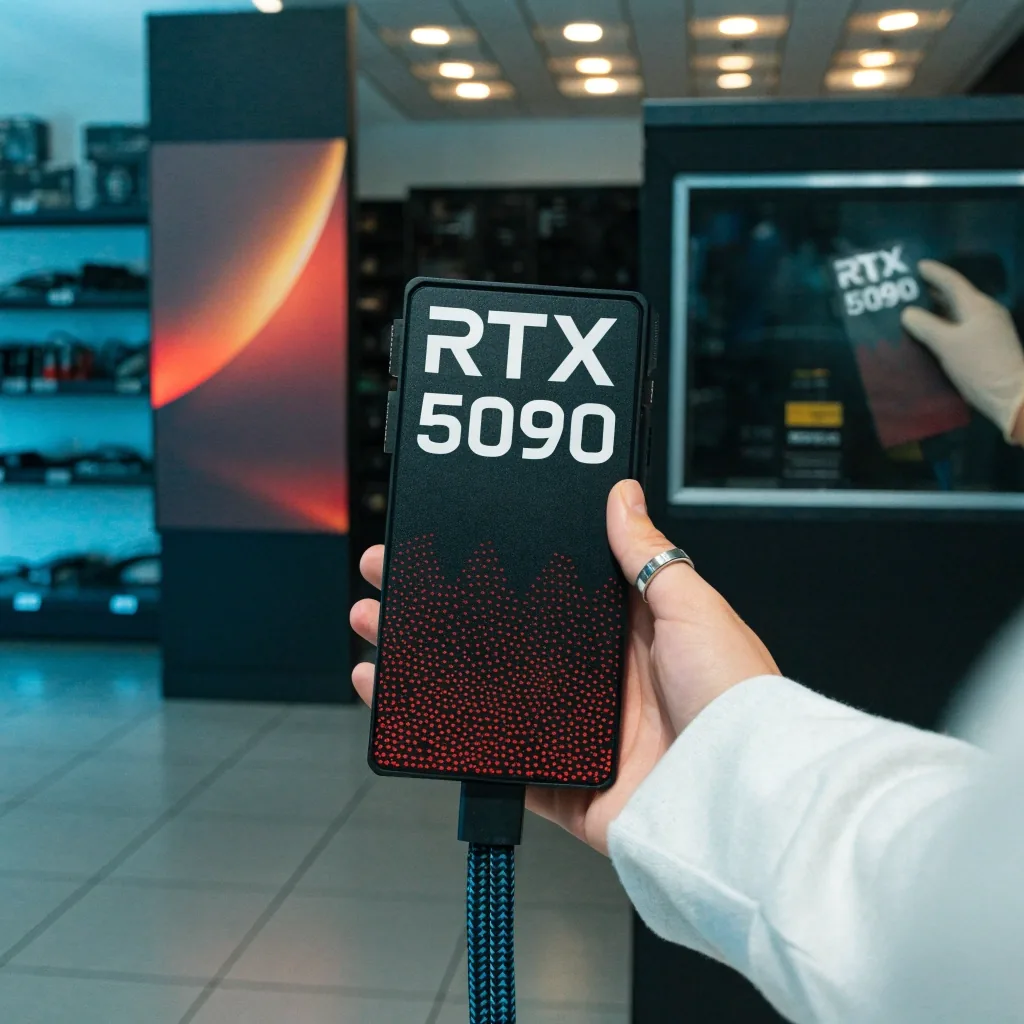
A bigger heatsink moves the same heat with less noise.
Cooler Design and Noise
Cooler size correlates with noise under load, and noise matters more in a small room. A card with more heatsink surface usually spins its fans slower to hit the same temperatures. Overclocked cards trade some of that quiet for performance headroom.
If your PC sits close to where you work or sleep, weight this factor higher than a few frames per second. A quiet 1440p card you barely hear beats a louder one you notice every evening. Ask us to run a card on the bench and stand beside it, and you will learn more in one minute than in any specification table.
- Two-fan models
- Compact and fine for 1080p and 1440p midrange cards; audible sooner under sustained load.
- Triple-fan models
- More surface at the same temperature; quieter in a room you share with other people.
- Overclocked boards
- Higher boost clocks, higher fan curves; you trade part of the quiet for frames.
Most buying mistakes happen on the power supply and the case, not on the performance chart.
The two numbers buyers skip
Feature Sets: DLSS, Upscaling, and Ray Tracing
Features shape how a card feels in supported titles. NVIDIA's DLSS and ray tracing lead the midrange, and the RTX 50 series includes DLSS 4 support. AMD's RX 9000 series has narrowed the ray tracing gap, making the RX 9060 XT more competitive than its predecessor. Intel's Arc B570 covers the basics at 1080p. If you play titles that lean on upscaling, factor this into the price comparison.
NVIDIA — DLSS and ray tracing
RTX 50 series · DLSS 4The feature set most titles ship support for first, and the reason RTX cards hold their price in the midrange. Worth paying for if your library leans on upscaling-heavy releases.
AMD — RX 9000 series
RX 9060 XT · RX 7800 XTA narrower gap on ray tracing than the previous generation made, which puts the RX 9060 XT closer to its NVIDIA counterpart than before. Compare it on the titles you actually play.
Intel — Arc B570
1080p basicsCovers upscaling and the core feature set at 1080p. It is the card we suggest when the budget is fixed and the monitor stops at 1080p.
What to do with this
Price comparisonIf two cards sit within reach of each other in price and you play upscaling-heavy titles, the feature set tips the choice. If not, spend the difference on VRAM or a quieter cooler.
Laptop GPUs: A Different Decision
The RTX 5070 Laptop GPU appears in thin-and-light gaming notebooks and carries the modern feature set into portable machines. Laptop graphics can't be upgraded later, so the choice you make at purchase is permanent. A desktop build at the same budget generally delivers more performance, but it isn't portable. Decide whether mobility matters before comparing the two.
Two builds, one budget
- Desktop
- More performance per won, upgradeable later, and you can swap the card when your monitor changes.
- Laptop
- Portable, sealed at purchase. The RTX 5070 Laptop GPU is the modern feature set carried into that form factor.
If you split your week between home and a café or an office desk, mobility is worth more than a few extra frames. If the machine never leaves your desk, the desktop build is the better use of the same money.
Matching GPU to CPU and Monitor
A fast GPU paired with a weak CPU wastes money, because the processor becomes the bottleneck. The same goes for a high-end card driving a 60Hz panel, where the extra frames never reach your eyes. Balance the GPU with your CPU tier and your monitor's refresh rate. Tell us the rest of your build and we will flag where the mismatch is.
Ask for a build recommendation- Weak CPU, big GPU
- Frames stall before the card is busy; money spent on the card is partly idle.
- Strong CPU, weak GPU
- The card caps frame rate first; the CPU sits waiting with headroom nobody sees.
- Fast card, 60Hz panel
- Frames the panel cannot show. Either buy a higher-refresh monitor or move that budget down the card stack.
Questions buyers ask in the showroom
If your question is about a specific model, bring the rest of your build to the contact page and we will match it to stock.
What VRAM should I pick for a 1440p monitor? + –
12GB covers most 1440p play comfortably, including high texture settings. 16GB is worth considering if you intend to keep the card for several years or if you also play at 4K on the same machine. 8GB is the honest floor for 1080p only.
Can I reuse my current power supply with a flagship card? + –
Sometimes. Wattage alone doesn't answer it — the unit's age, its cable set, and whether it carries the newer connector matter at least as much. Tell us the exact model and we will tell you what it can safely drive.
How do I know an overclocked card will fit my case? + –
Measure length, thickness, and free slot covers. Overclocked AIB cards with larger heatsinks can run longer and thicker than the reference design and can consume two or three slots. Compare the card's listed dimensions against those three measurements before ordering.
Is a quieter card worth paying more for? + –
If the PC sits near where you work or sleep, yes. A larger heatsink on a triple-fan board usually means slower fan speeds for the same temperatures. Ask us to run the model on the bench and listen to it before you decide.
Should I buy a laptop with an RTX 5070 Laptop GPU instead of a desktop? + –
Only if you need portability. The laptop choice is sealed at purchase and generally delivers less performance per won than a desktop at the same budget. If the machine stays on a desk, spend the budget on a desktop card instead.
Bring your build, we’ll narrow the card
Write down your monitor resolution, your power supply model, and your case, and the shortlist falls into place before the price ever enters the conversation. Or come into the showroom in Gangnam and we will measure the case with you and listen to the coolers under load.
Visit the showroom
Mystravale GPU Store88, Teheran-ro 87-gil, Gangnam-gu
Seoul, 06164, Republic of Korea
Phone
+82-2-552-8890Hours
Mon–Sat: 10:00–20:00